Blog
Get an overview of your Planner boards
Guides and comparisons for anyone who coordinates tasks across teams and boards in Microsoft Planner and Teams.
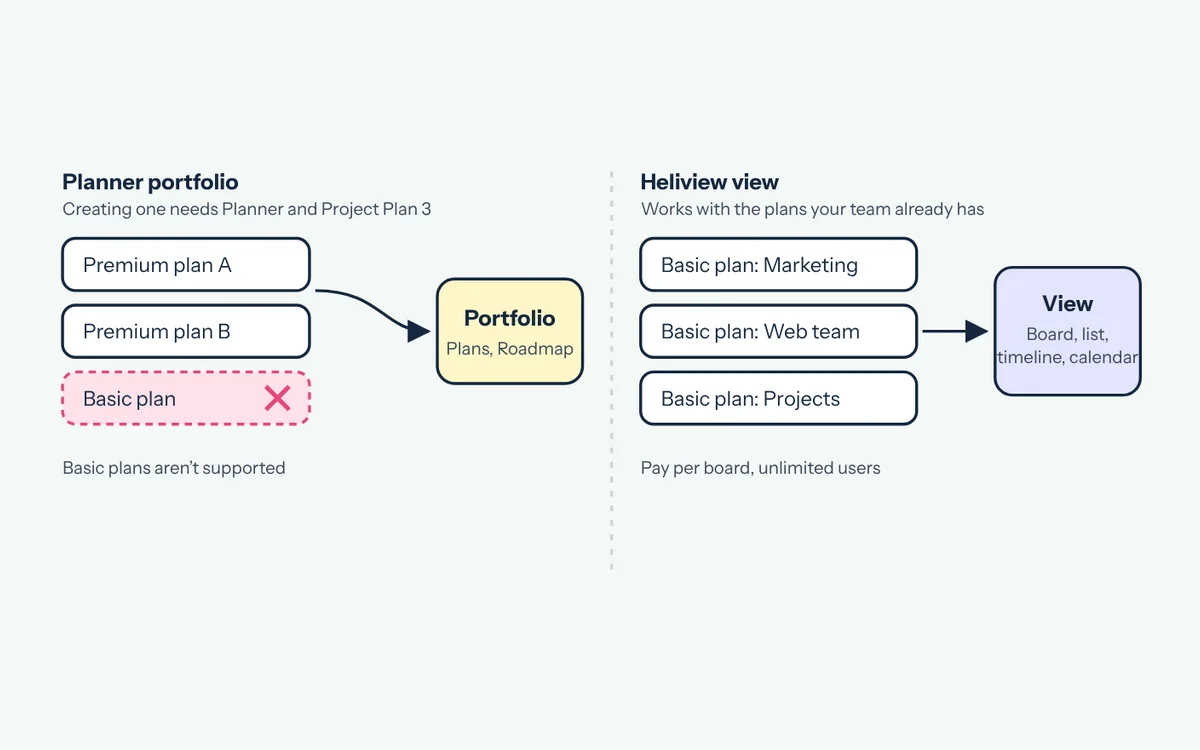 Microsoft Planner portfolio vs plan: what you need A Planner plan holds tasks, a portfolio groups premium plans. See the license a portfolio needs, what it shows and how to get an overview of basic plans. Read article
 Compare options
Portfolios, a master plan or a view: what fits your organization and what it needs.
-
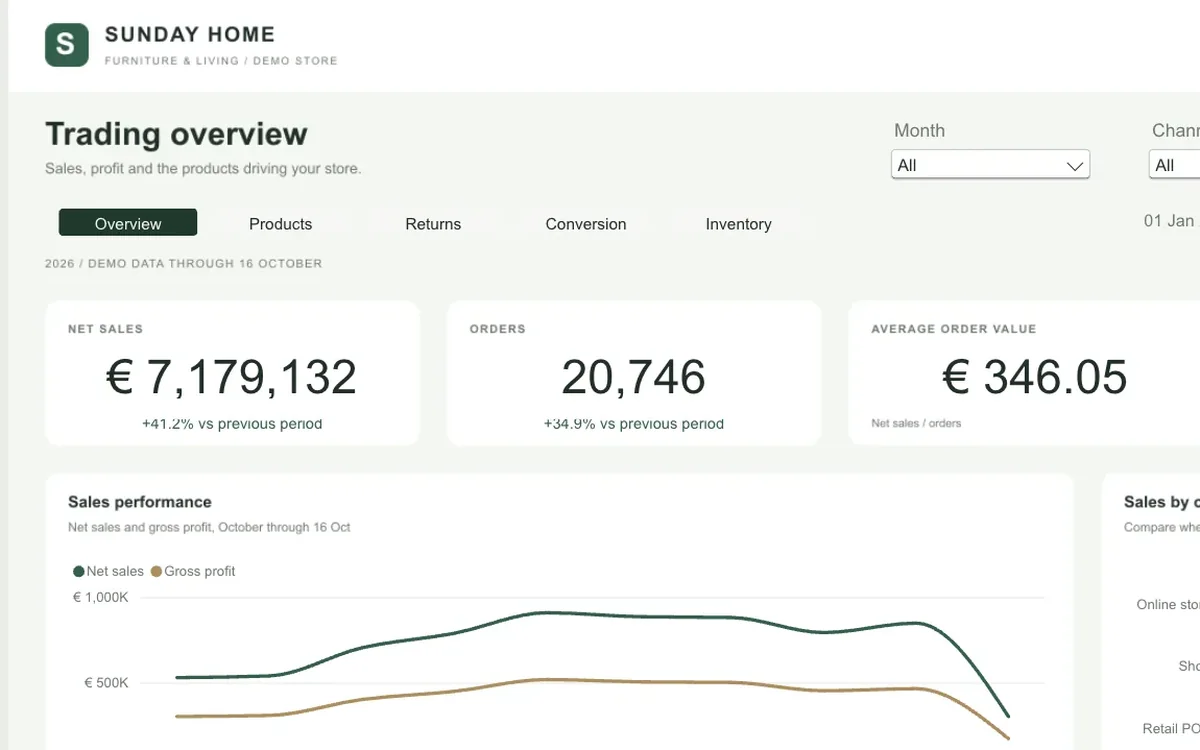 Choosing a Shopify Power BI connector: six things to check Power BI has no built-in Shopify connector. Check these six points before you pick one, from refresh in the Power BI service to order history and row limits.
 -
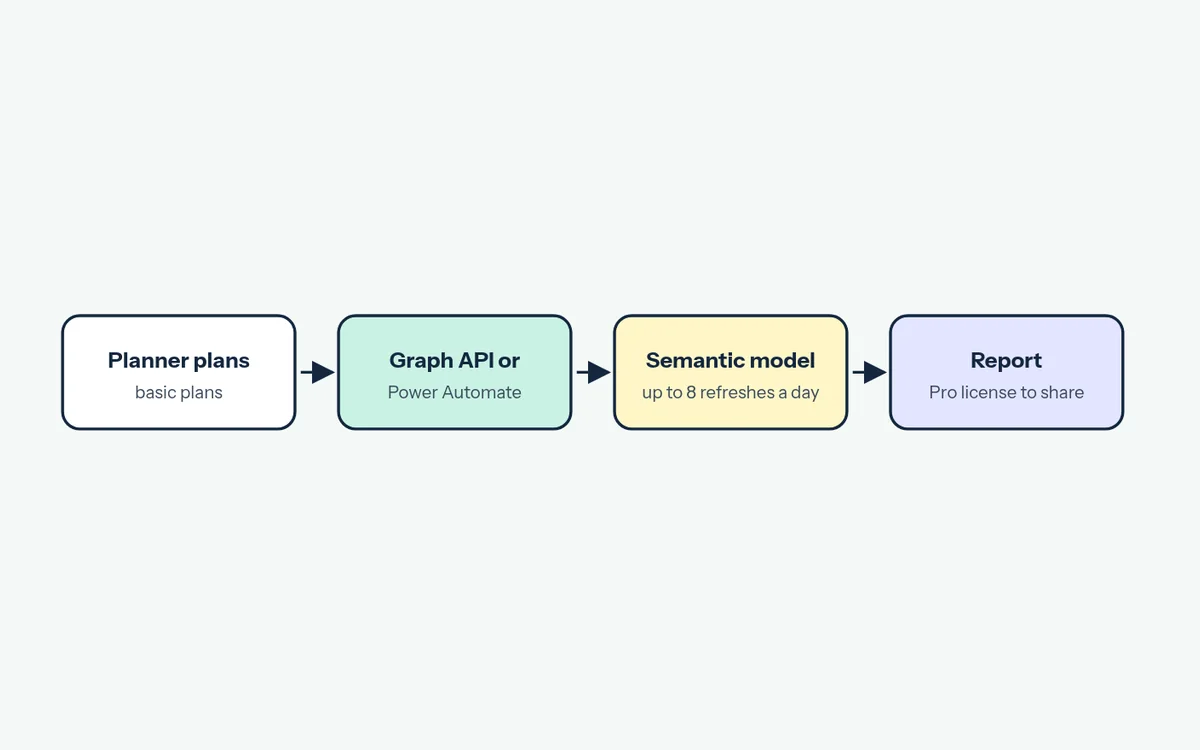 Microsoft Planner in Power BI: what a dashboard takes Power BI has no built-in connector for basic Planner plans. Compare the Graph API and Power Automate routes, license costs and refresh limits before you build.
 -
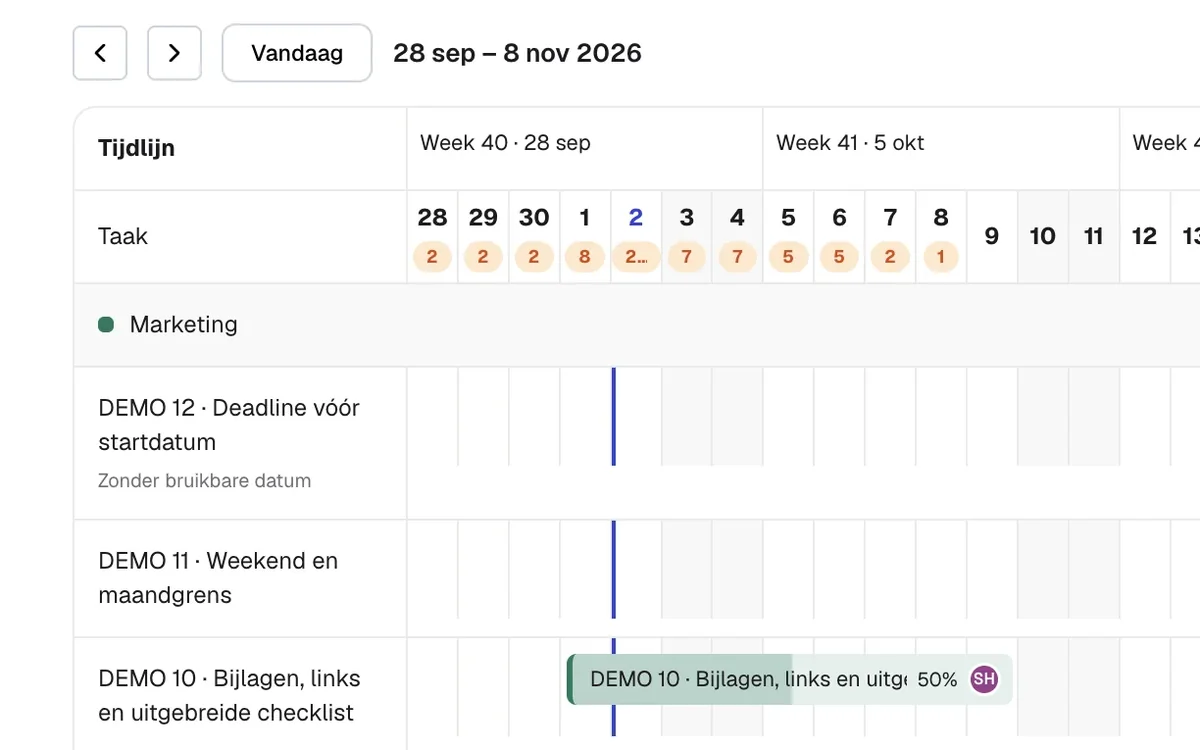 Planner vs Planner Premium: what each license gets you Basic Planner comes with Microsoft 365. Plan 1 costs $10 and Plan 3 $30 per user per month. Compare views, dependencies and portfolios, and see when to upgrade.
 -
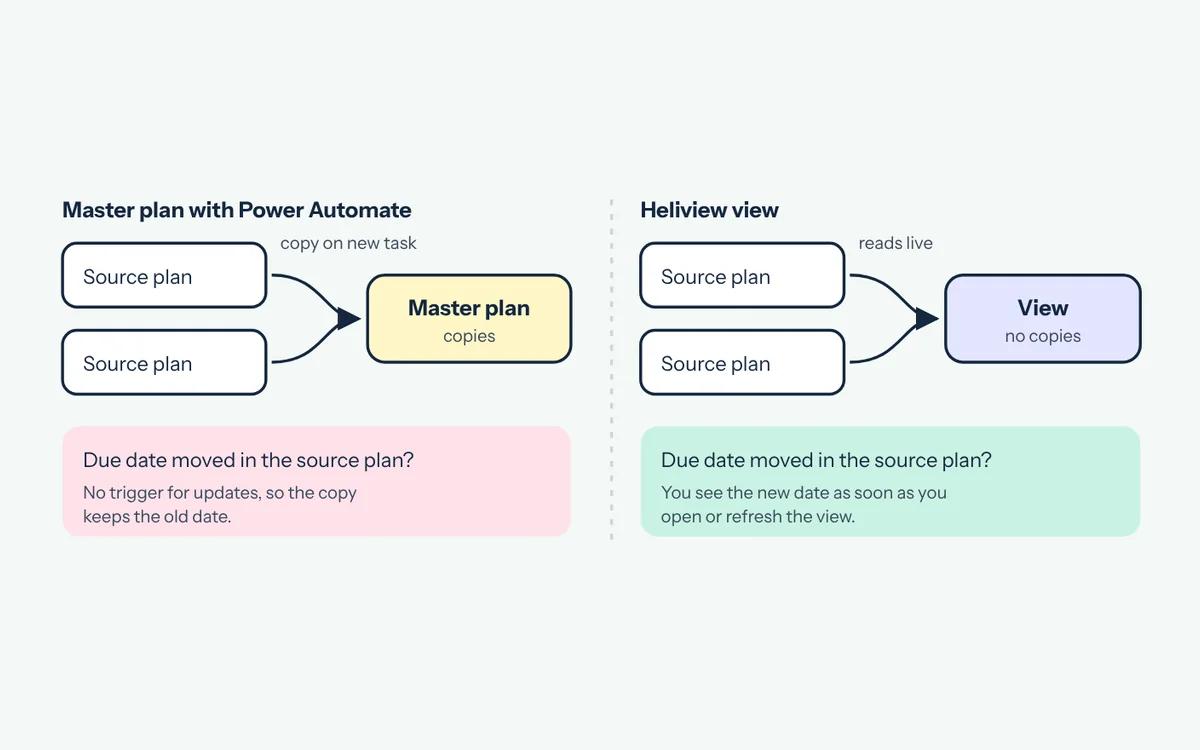 How to build a master plan from all your Planner plans: 4 options compared Want one plan with every task from your teams? You can copy tasks with Power Automate, build a portfolio, keep a central list or use a view. Here's what each option costs you.
Planner how-tos
Concrete steps for questions you run into in Planner.
-
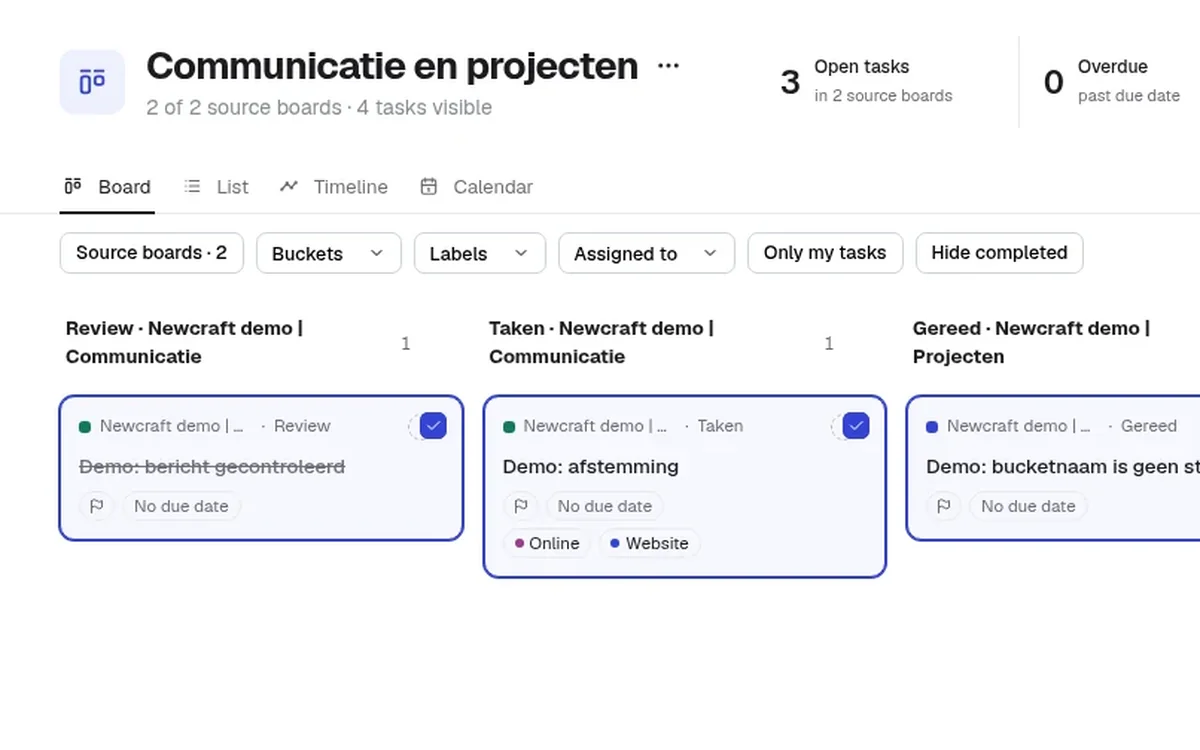 Bulk edit Planner tasks across multiple plans at once Planner can only bulk edit tasks inside one plan. Here's how to give tasks on several Planner plans a new due date, owner or label in one go.
 -
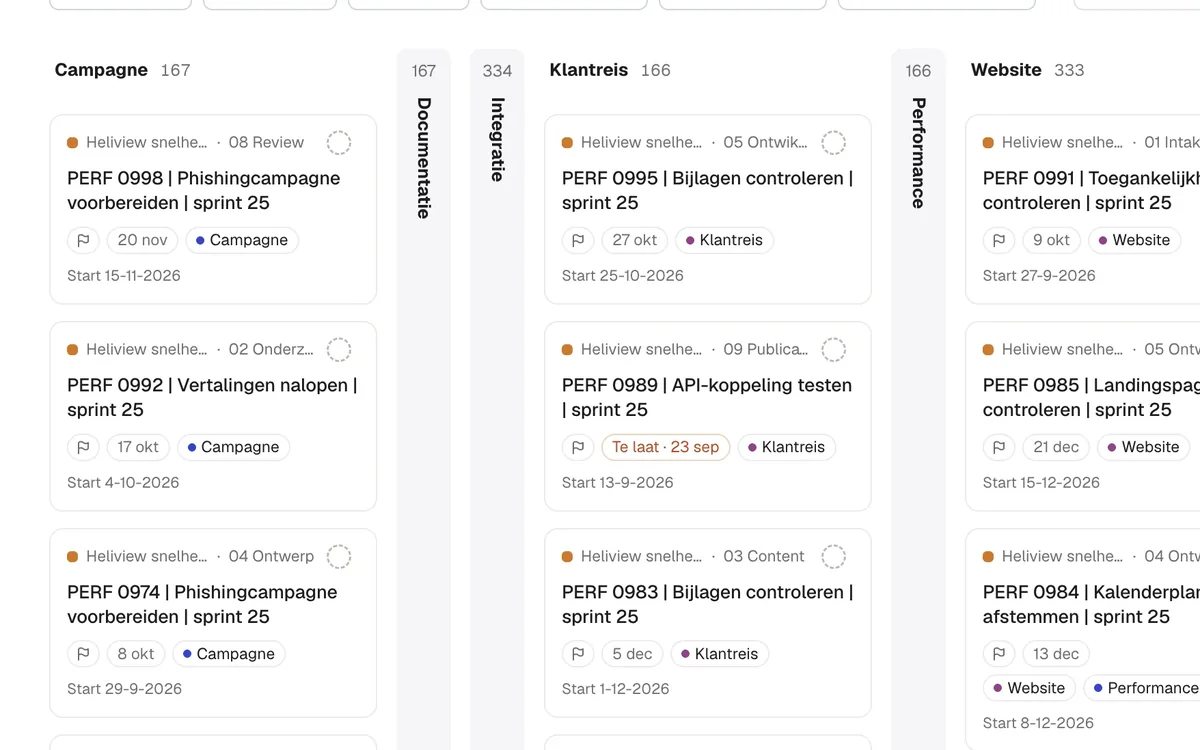 Can you collapse or hide buckets in Microsoft Planner? A Planner board with lots of buckets gets crowded fast. Planner can't collapse or hide buckets. Here are the workarounds that do work, and how to collapse columns in Heliview.
 -
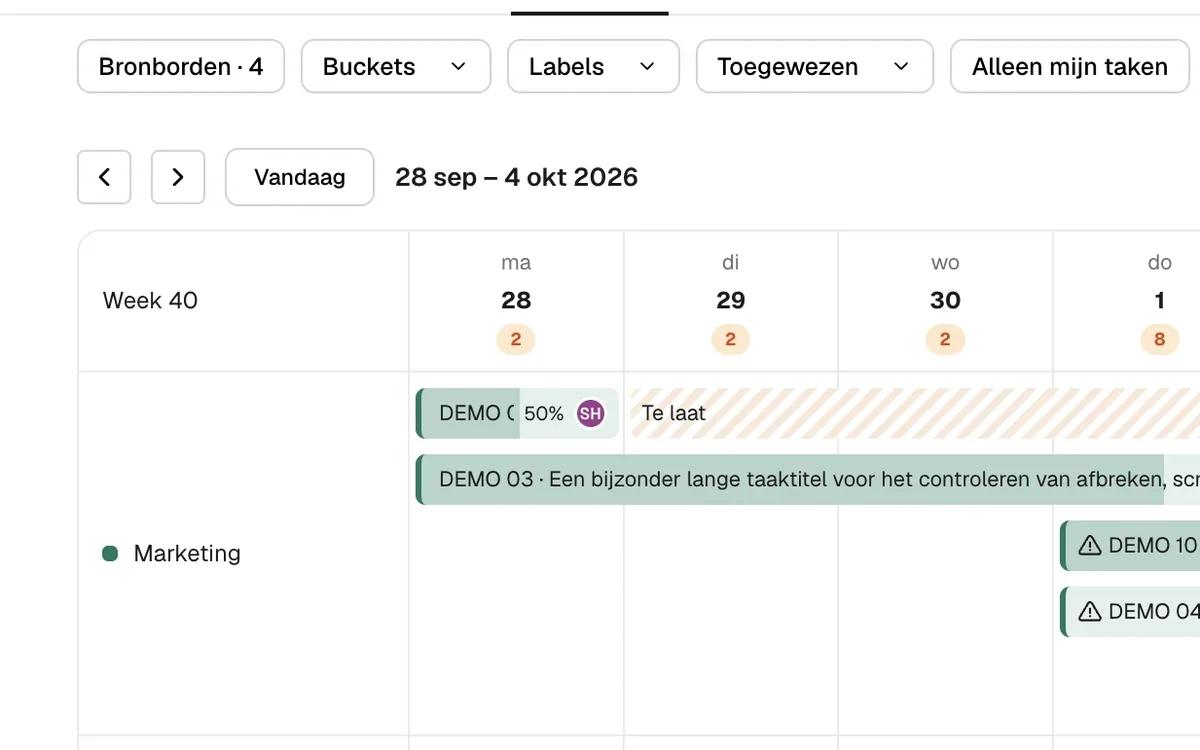 A Planner calendar across multiple plans, now that the Outlook feed is gone Planner's Schedule view works per plan, and the feed that put plans in your Outlook calendar was switched off in early 2026. Here's how to get one calendar with tasks from all your plans.
 -
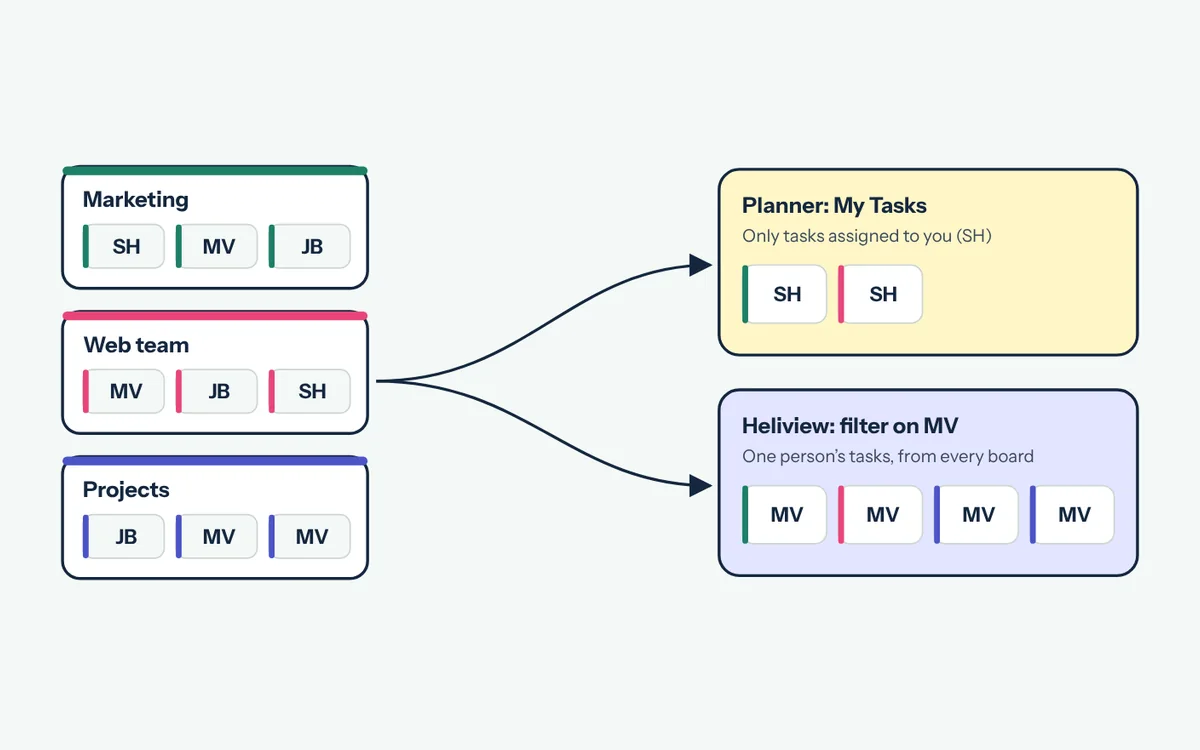 How to see all tasks assigned to someone across Planner plans Planner shows your own tasks across every plan, but not a colleague's. Here's how to see what one person has on all their Planner plans, with and without an extra app.